Buy Sell

See our reviews on Trustpilot

Free next-day UK delivery — order by 3pm

All articlesTips & how-tos

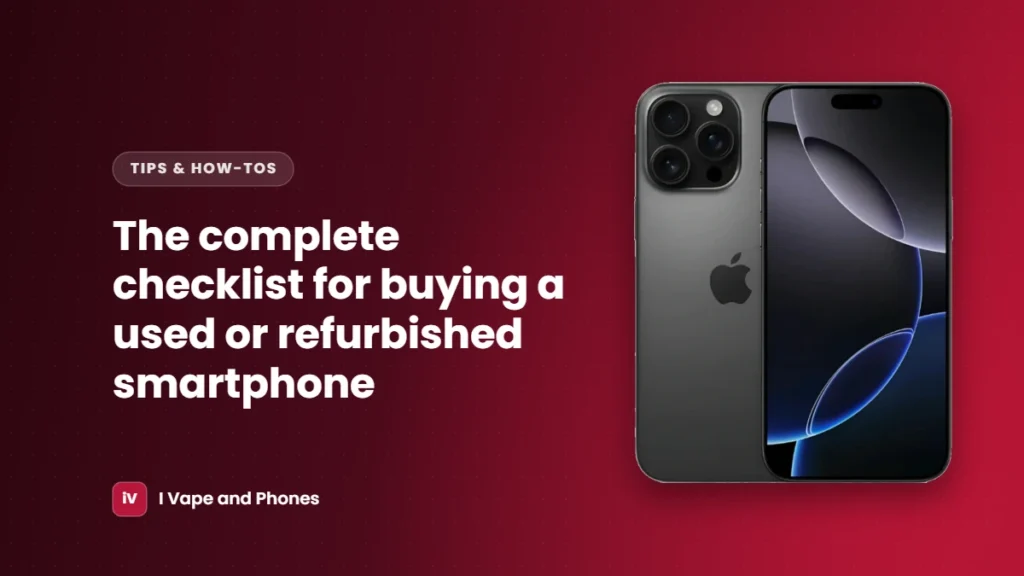
The complete checklist for buying a used or refurbished smartphone

The complete checklist for buying a used or refurbished smartphone

Buying a pre-owned phone can save you hundreds of pounds. Use this checklist to make sure you get a good one, whether it’s an iPhone or a Samsung.

Before you buy

  • Know what you want. Compare prices for the same model, storage and condition.
  • Check the seller. Look for a real business with a UK address, clear policies and genuine reviews.
  • Look for a warranty. A good refurbisher offers at least 12 months.
  • Read the returns policy. You should be able to return a phone if you change your mind or it isn’t as described.
  • Understand the grade. Make sure you know what each condition grade means before you choose one.

When your phone arrives

  1. Check the IMEI. Dial *#06# and make sure the number matches the box and the one in Settings.
  2. Check it’s unlocked. Try a SIM card from your own network.
  3. Check all accounts are removed. There should be no previous Apple ID, Google or Samsung account signed in.
  4. Check the battery. On an iPhone, go to Settings > Battery > Battery Health. On a Samsung, use the Samsung Members app.
  5. Test the screen. Look for dead pixels, burn-in, discoloured patches and areas that don’t respond to touch.
  6. Test the cameras, speakers and microphones. Take a photo and a video, make a call and record a voice note.
  7. Test the buttons, Face ID or fingerprint sensor and charging.
  8. Look for signs of water damage or repairs, such as moisture under the camera glass or a screen that’s lifting at the edges.

If something isn’t right

Contact the seller straight away. With us, faults are covered by our 12-month warranty, and you can return any phone within 30 days under our Return / Refund Policy.